
Converting Between Number Systems
Step-by-step guide to converting between decimal, hexadecimal, binary, and octal number systems. Learn the formulas, worked examples, and useful memory tricks.
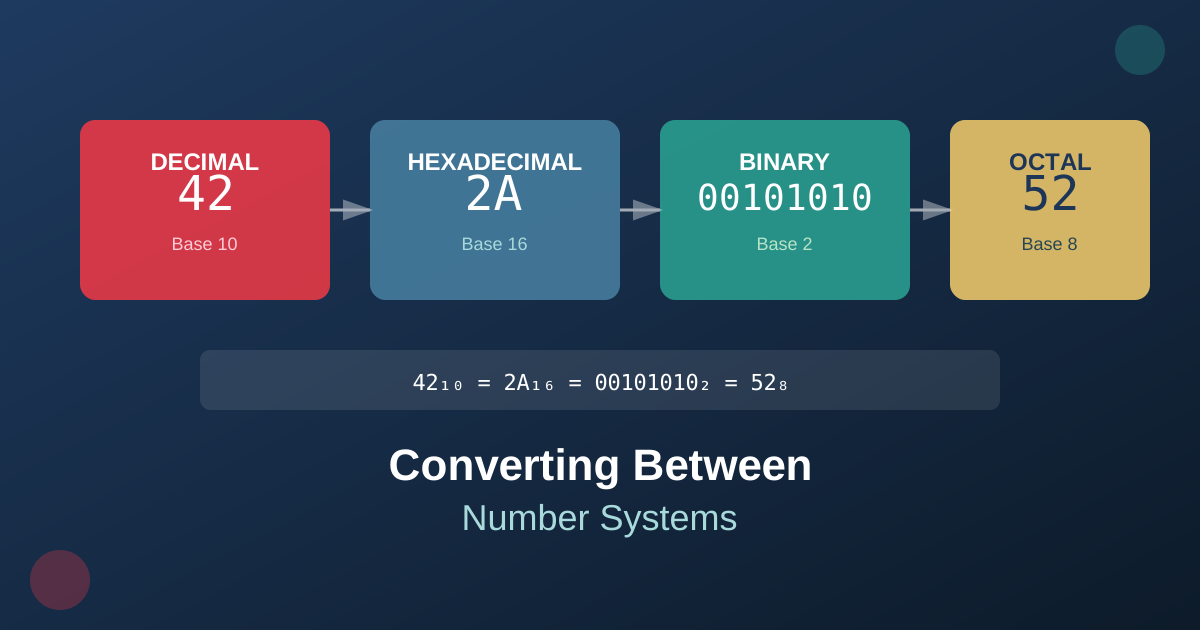
Converting Between Number Systems
Computing uses multiple number systems. This guide shows you how to convert between decimal, hexadecimal, binary, and octal.
Number System Basics
| System | Base | Digits Used |
|---|---|---|
| Decimal | 10 | 0-9 |
| Hexadecimal | 16 | 0-9, A-F |
| Binary | 2 | 0, 1 |
| Octal | 8 | 0-7 |
Decimal to Hexadecimal
To convert decimal to hexadecimal:
- Divide the number by 16
- Record the remainder (this becomes a hex digit)
- Divide the quotient by 16
- Repeat until quotient is 0
- Read remainders from bottom to top
Example: Convert 255 to hex
- 255 ÷ 16 = 15 remainder 15 (F)
- 15 ÷ 16 = 0 remainder 15 (F)
- Result: FF
Hexadecimal to Decimal
Multiply each digit by 16 raised to its position power:
Example: Convert 1A3 to decimal
- 1 × 16² = 256
- A × 16¹ = 160
- 3 × 16⁰ = 3
- Total: 419
Binary to Hexadecimal
Group binary digits in sets of 4 (from right to left) and convert each group:
Example: Convert 11010110 to hex
- 1101 = D
- 0110 = 6
- Result: D6
Hexadecimal to Binary
Convert each hex digit to its 4-bit binary equivalent:
Example: Convert 3F to binary
- 3 = 0011
- F = 1111
- Result: 00111111
Practice Tips
- Start Small: Practice with small numbers first
- Verify: Convert back to check your work
- Use Tools: Our calculator can verify your conversions
- Memorize: Learn common hex values (0-F = 0-15)
Conclusion
Converting between number systems becomes easier with practice. Use our hex calculator to check your work and build confidence.