
Hex Color Codes in Web Design
How hexadecimal color codes work and how to use them effectively in web design. Learn hex color structure, shorthand, contrast, and accessibility best practices.
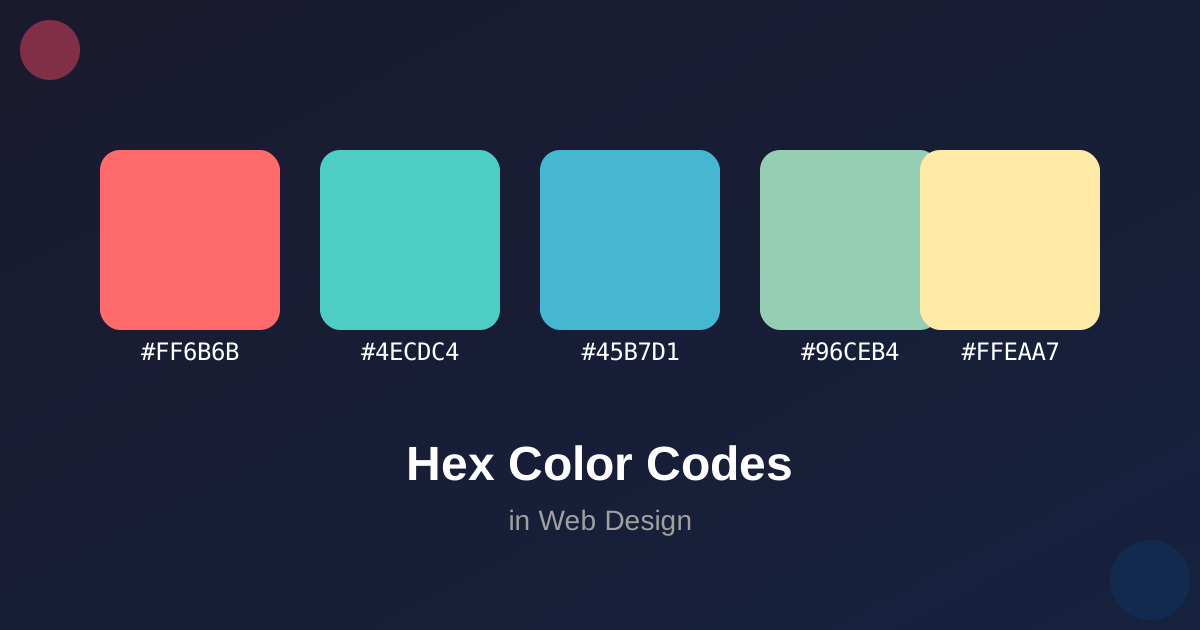
Hex Color Codes in Web Design
Hexadecimal color codes are the standard way to define colors in web development. Understanding how they work is essential for any web designer or developer.
How Hex Colors Work
A hex color code is a 6-digit hexadecimal number preceded by a hash symbol (#). The format is:
#RRGGBBWhere:
- RR = Red component (00-FF)
- GG = Green component (00-FF)
- BB = Blue component (00-FF)
Each component represents the intensity of that color channel, from 0 (none) to FF (255, full intensity).
Common Color Examples
| Color | Hex Code | RGB Values |
|---|---|---|
| Black | #000000 | (0, 0, 0) |
| White | #FFFFFF | (255, 255, 255) |
| Red | #FF0000 | (255, 0, 0) |
| Green | #00FF00 | (0, 255, 0) |
| Blue | #0000FF | (0, 0, 255) |
Shorthand Hex Colors
CSS supports a shorthand notation for hex colors where each component is a single digit:
#RGB → #RRGGBBFor example:
#F00is equivalent to#FF0000(red)#0F0is equivalent to00FF00(green)#00Fis equivalent to#0000FF(blue)
Practical Tips
- Use Tools: Color pickers help you find the perfect hex code
- Understand Opacity: Use 8-digit hex codes for alpha transparency (#RRGGBBAA)
- Consistency: Create a color palette and stick to it
- Accessibility: Ensure sufficient contrast for readability
Converting Between Formats
Use our hex calculator to convert between hex color codes and RGB values, making it easy to work with colors in any format.
Conclusion
Hex color codes are a fundamental part of web design. Mastering them gives you precise control over your website’s visual appearance.