
Programming • February 20, 2026
Hexadecimal in Programming
Practical uses of hexadecimal in programming, from constants and memory addresses to debugging and bit manipulation. Real examples for everyday developers.
By Hex Calculator Team
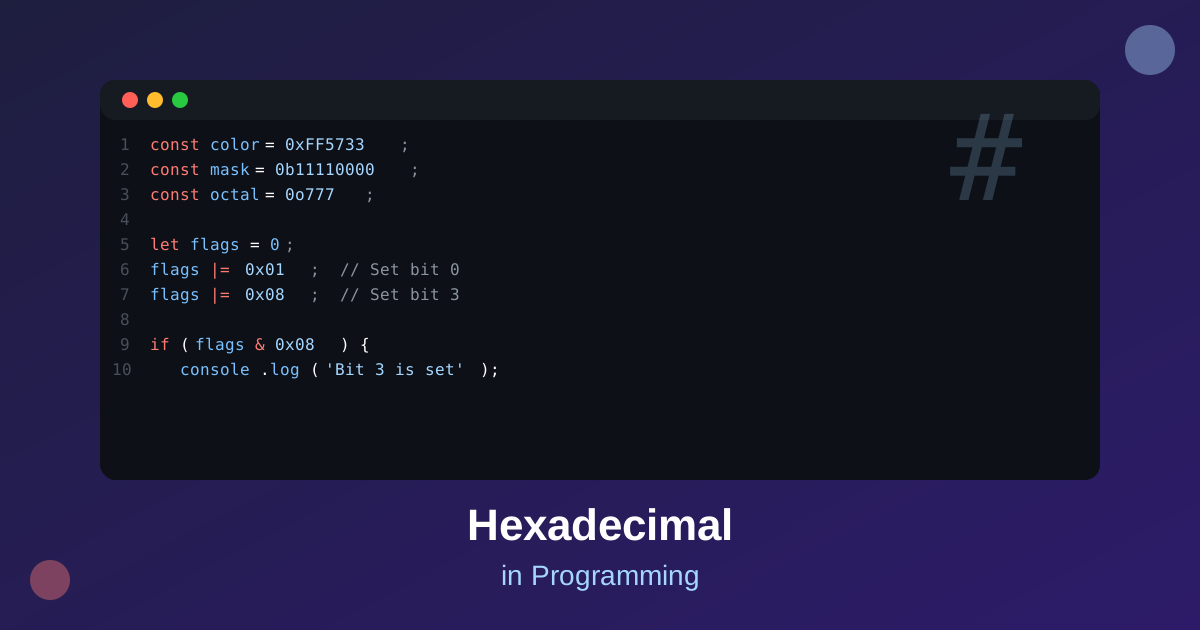
Hexadecimal in Programming
Hexadecimal is used extensively in programming. This article covers practical applications you’ll encounter daily.
Hex Constants in Code
Most programming languages support hex literals:
// JavaScript
const color = 0xFF5733;
const mask = 0b11110000; // Binary
const octal = 0o777;     // Octal
# Python
color = 0xFF5733
byte_data = bytes([0x48, 0x65, 0x6C, 0x6C, 0x6F])Bit Manipulation
Hex is ideal for bit operations:
// Setting bits
int flags = 0;
flags |= 0x01;  // Set bit 0
flags |= 0x08;  // Set bit 3

// Clearing bits
flags &= ~0x01; // Clear bit 0

// Checking bits
if (flags & 0x08) {
    // Bit 3 is set
}
Debugging with Hex
Memory Dumps
When debugging, memory is often displayed in hex:
0x7FFF5FBFF8D0: 48 65 6C 6C 6F 20 57 6F 72 6C 64 21 00 00 00 00Register Values
CPU registers are typically shown in hex during debugging.
File Formats
Many file formats use hex signatures:
- PNG:
89 50 4E 47 0D 0A 1A 0A - JPEG:
FF D8 FF - PDF:
25 50 44 46
Encoding/Decoding
Hex encoding is common for:
- Data serialization: Storing binary data in text format
- URL encoding: Representing special characters
- Cryptography: Displaying hashes and keys
Example output of a hash function:
e3b0c44298fc1c149afbf4c8996fb92427ae41e4649b934ca495991b7852b855Best Practices
- Use Constants: Define magic numbers as hex constants
- Document Intent: Add comments explaining why hex is used
- Format Output: Use proper formatting for hex display
- Validate Input: Always validate hex strings from external sources
Conclusion
Hexadecimal is an indispensable tool in programming. From low-level systems work to high-level applications, understanding hex makes you a more effective developer.