
Understanding Memory Addresses in Hexadecimal
Why memory addresses are represented in hexadecimal and how to read them. Understand pointers, offsets, hex notation, and common debugging patterns.
Understanding Memory Addresses in Hexadecimal
Memory addresses are almost always displayed in hexadecimal format in computing. This article explains why and how to work with them.
Why Hex for Memory Addresses?
- Compact Representation: Hex is much more compact than binary
- Byte Alignment: Each hex digit represents exactly 4 bits, making byte boundaries clear
- Human Readable: Easier to read and write than binary strings
- Standard Convention: All major architectures use hex notation
Reading Memory Addresses
A typical 32-bit memory address might look like:
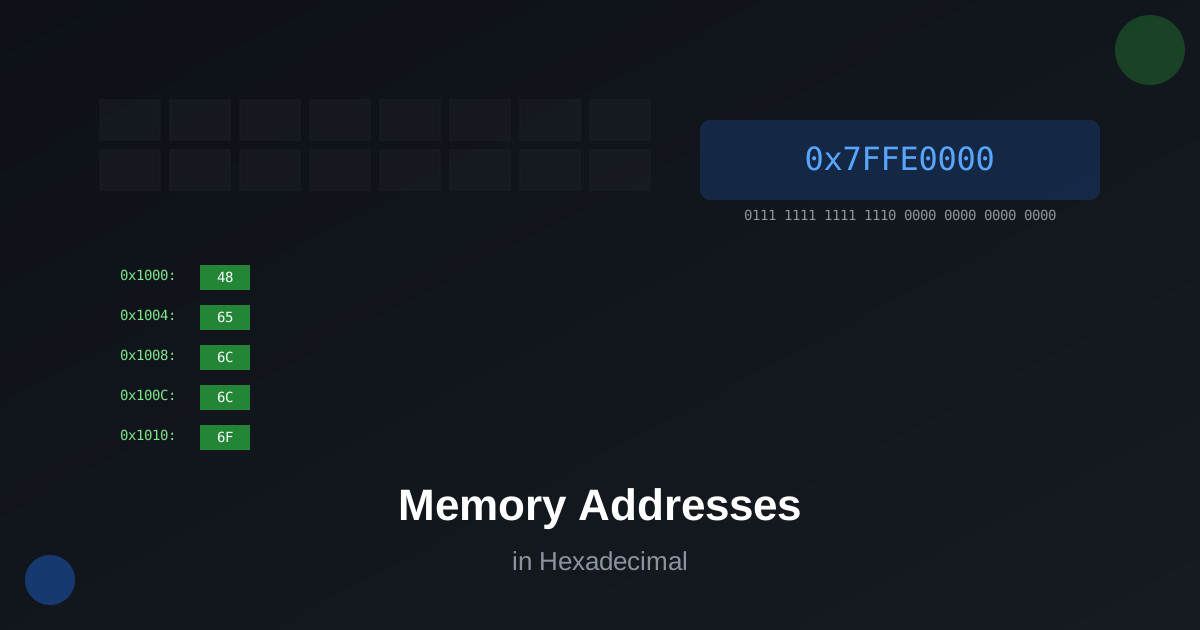
0x7FFE0000The 0x prefix indicates hexadecimal notation. This address represents:
7    F    F    E    0    0    0    0
0111 1111 1111 1110 0000 0000 0000 0000
Common Memory Operations
Address Calculation
When working with arrays or structures, you often need to calculate addresses:
Base Address + (Index × Element Size) = Target AddressExample:
- Base: 0x1000
- Index: 5
- Element Size: 4 bytes
- Target: 0x1000 + (5 × 4) = 0x1014
Memory Alignment
Modern processors require memory to be aligned to specific boundaries:
- 32-bit integers: 4-byte alignment
- 64-bit integers: 8-byte alignment
Debugging with Hex Addresses
When debugging, you’ll frequently see hex addresses in:
- Stack traces
- Memory dumps
- Register values
- Pointer values
Conclusion
Understanding hexadecimal memory addresses is crucial for systems programming, debugging, and reverse engineering. Practice converting between hex and binary to build your intuition.